

 close

Check out how EMTRACK Driver works and schedule a demonstration
Leave your contact information in the form and we'll get back to you with a tailor-made solution.
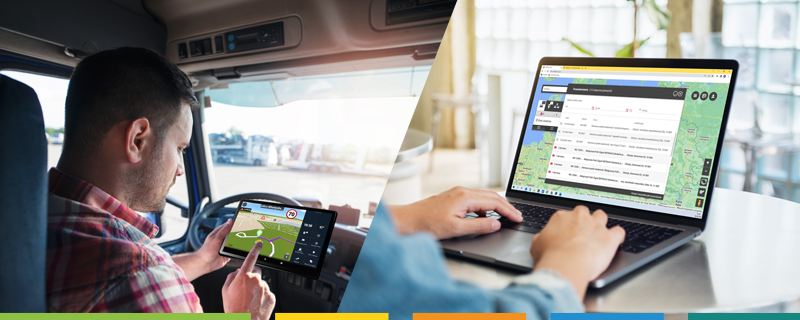 EMTRACK Driver is a driver application that makes it as easy as possible for the driver to communicate with the shipper and navigate the designated routes. Using a tablet installed in the vehicle, the driver has the ability to:
- preview planned routes and navigate the route that the shipper has set,
- chat communication and rapid reporting of problems,
- transfer photos and documents directly from the tablet,
- Enable/disable e-TOLL data transfer.
Routes and navigation
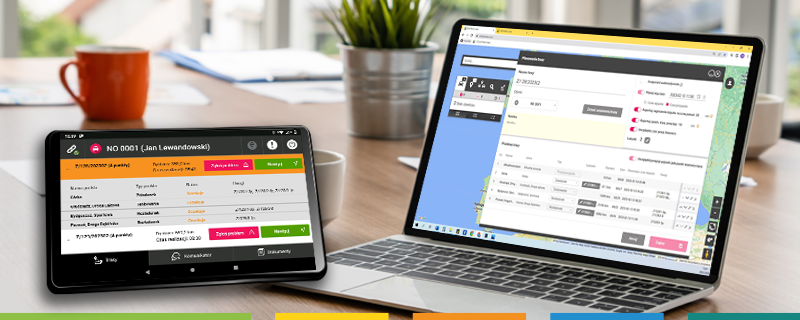
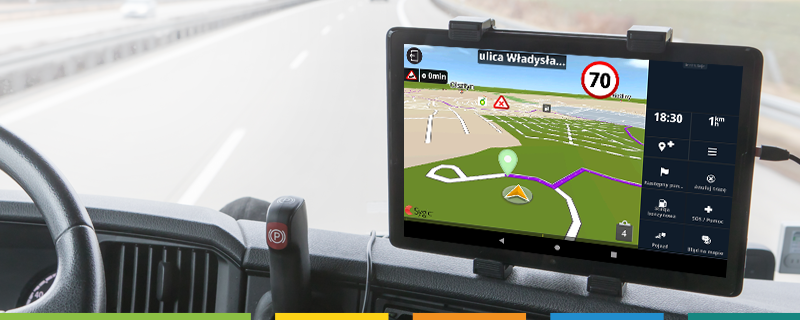
EMTRACK Driver is an application that runs on a tablet, to which the driver logs in with his or her individual PIN number. Routes planned for a given vehicle in the EMTRACK application are presented according to the order in which they are to be executed. Each of them the driver can expand and check its details. One click is all it takes to start navigation along the selected route. The driver can choose which navigation app he wants to use from among the currently supported ones: Sygic Truck, Google Maps, HERE WeGo and Waze.
Communications
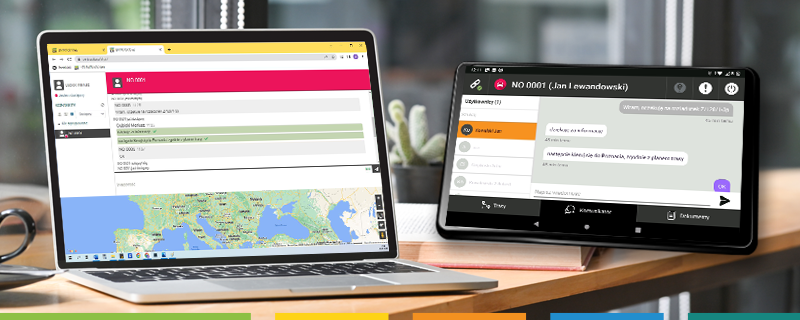
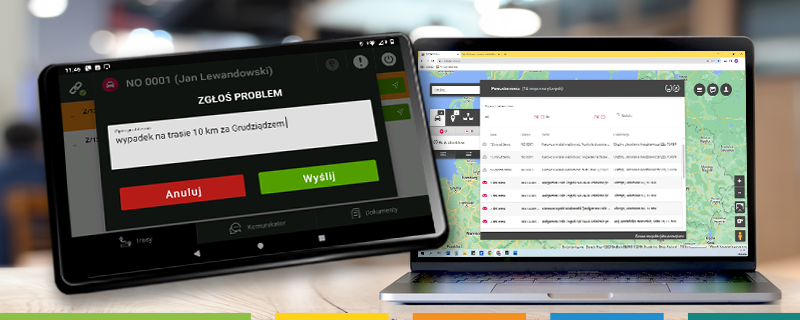
Another function that the driver application gives us is communication with the shipping company, which can take place on several levels. Starting with an easy-to-use communicator that allows you to send text messages, through the ability to instantly report a problem on the route, and ending with sending photos, such as documents. The system allows the forwarding company to be informed of problems reported by drivers via SMS messages, among others. In case of urgent problems, the driver no longer has to worry about whether he will find someone at the computer, but will be assured of immediate delivery to the Forwarding Agency. To avoid duplication of work by several forwarders, the handling of a message from a driver by one of them is confirmed at all of them by a separate notification.
Uploading photos
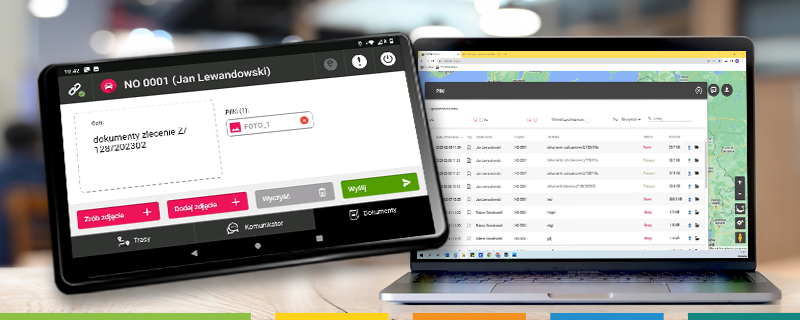
Also noteworthy is the ability to upload photos (e.g., documents or vehicle damage documentation), which, along with an accompanying description, immediately appear in the EMTRACK application. This function is extremely helpful when sending, for example, shipping documents, which immediately go to the forwarder.
e-TOLL
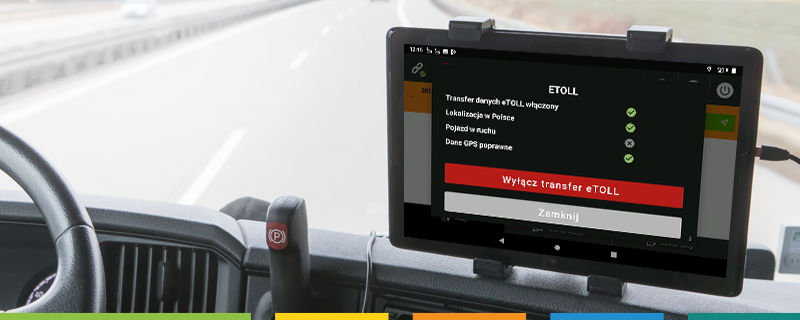
In addition, in EMTRACK Driver the driver can check if service of e-TOLL is active and working properly and can enable or disable data transfer to Ministry of Finance servers at any time.